Feature Overview - Meal Plan Ideas
The Ideas tab offers a fresh perspective on your recipe collections with personalized suggestions based on criteria such as your recipe ratings and meal planning history.
Suggestions are automatically grouped into intelligent categories like “Forgotten Favorites”, “Fast Cooking”, and more.
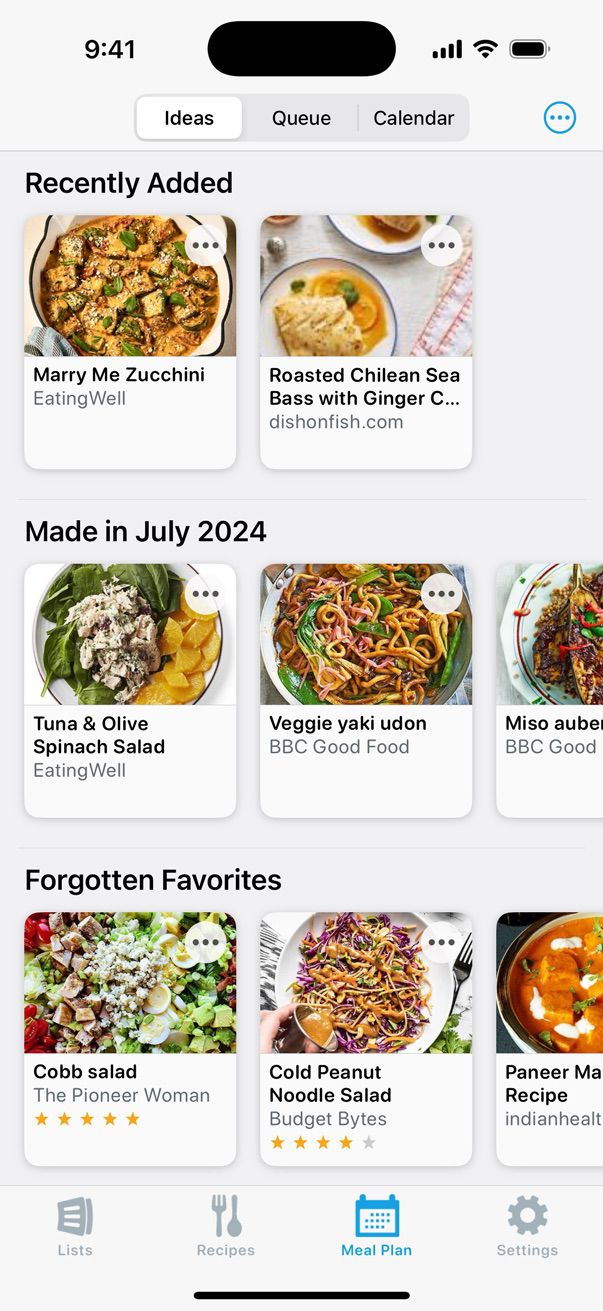
The more you use AnyList’s recipe features and the meal planning calendar, the more insightful and creative the Ideas tab will be.
If you’re just getting started with recipes and meal planning in AnyList, you may need to add more recipes and use the meal planning calendar for a little while before suggestions begin appearing in the Ideas tab.
Did this answer your question? If not, please search all of our articles. If you don’t find an answer, then contact us and we’ll be happy to help.