Feature Overview - Pinned Meal Plan Entries
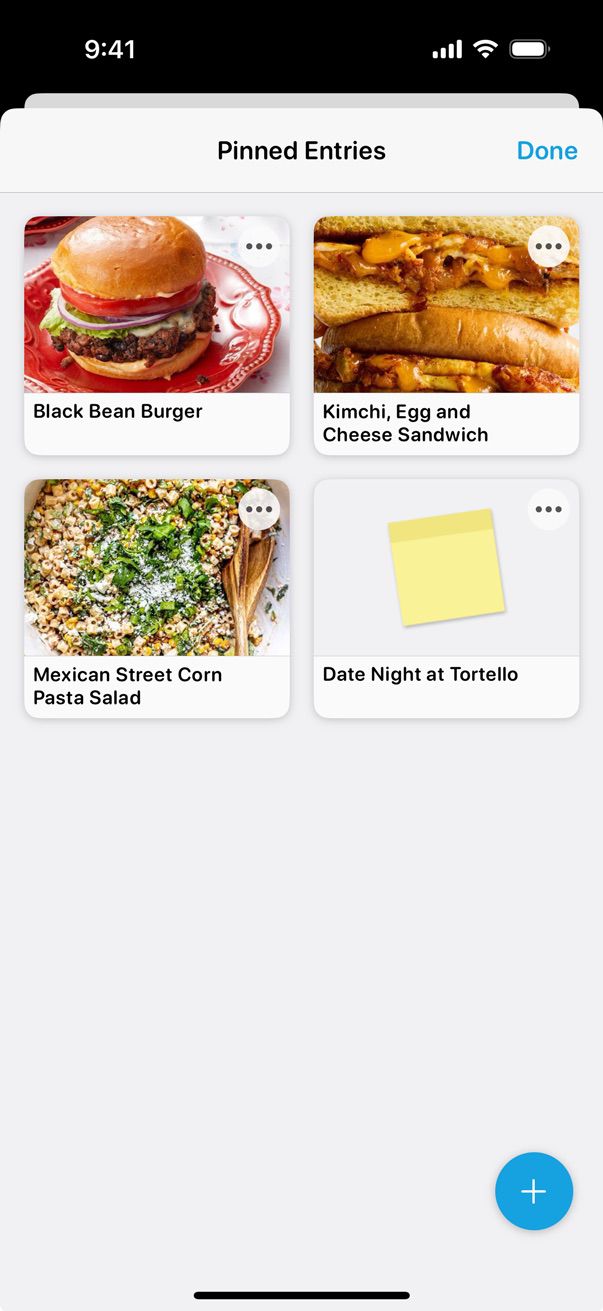
You can pin your favorite recipes and notes for convenient access from the Meal Plan’s Add Entries screen.
To get started, select the Meal Plan tab at the bottom of the screen. Then tap the Actions (•••) menu in the upper right and select Pinned Entries.
Then tap the blue + button and select the recipes and notes you want quick access to.
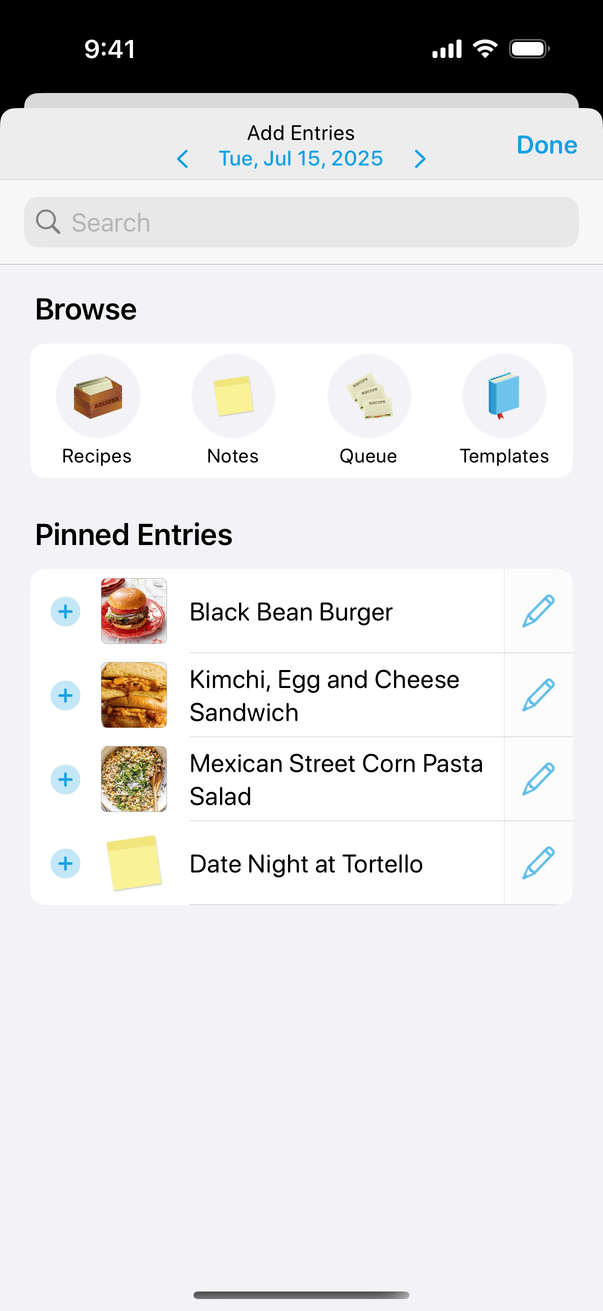
Now, your pinned entries will appear on the Add Entries screen when tapping the + button in your Queue or Calendar, making it easy to add them with just a tap.
Did this answer your question? If not, please search all of our articles. If you don’t find an answer, then contact us and we’ll be happy to help.