Feature Overview - Meal Plan Queue
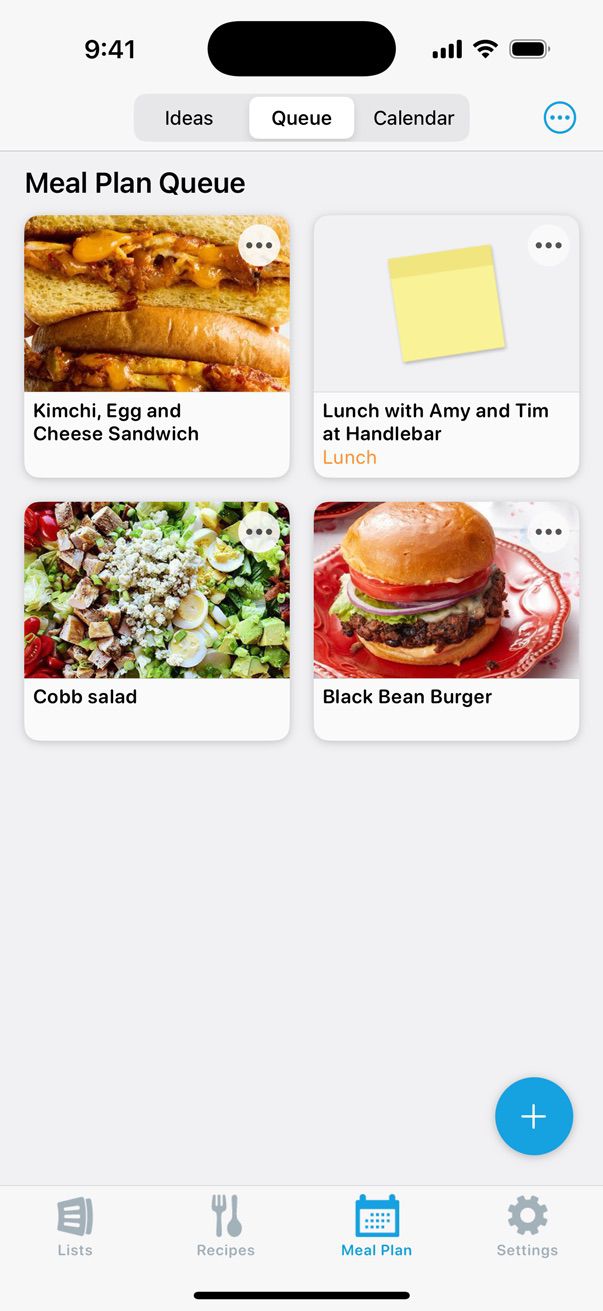
The Meal Plan Queue is a place for recipes you want to make soon, but aren’t ready to schedule on your calendar.
You can gather recipes in your Queue and even add their ingredients to your shopping list, without committing to making them on a specific day.
This is ideal for preparing your grocery list before finalizing your meal schedule, or when you’re browsing for meal inspiration.
Adding Recipes to Your Queue
Start by navigating to the Meal Plan tab and selecting the Queue. Then tap the + button in the bottom-right corner of the Queue.
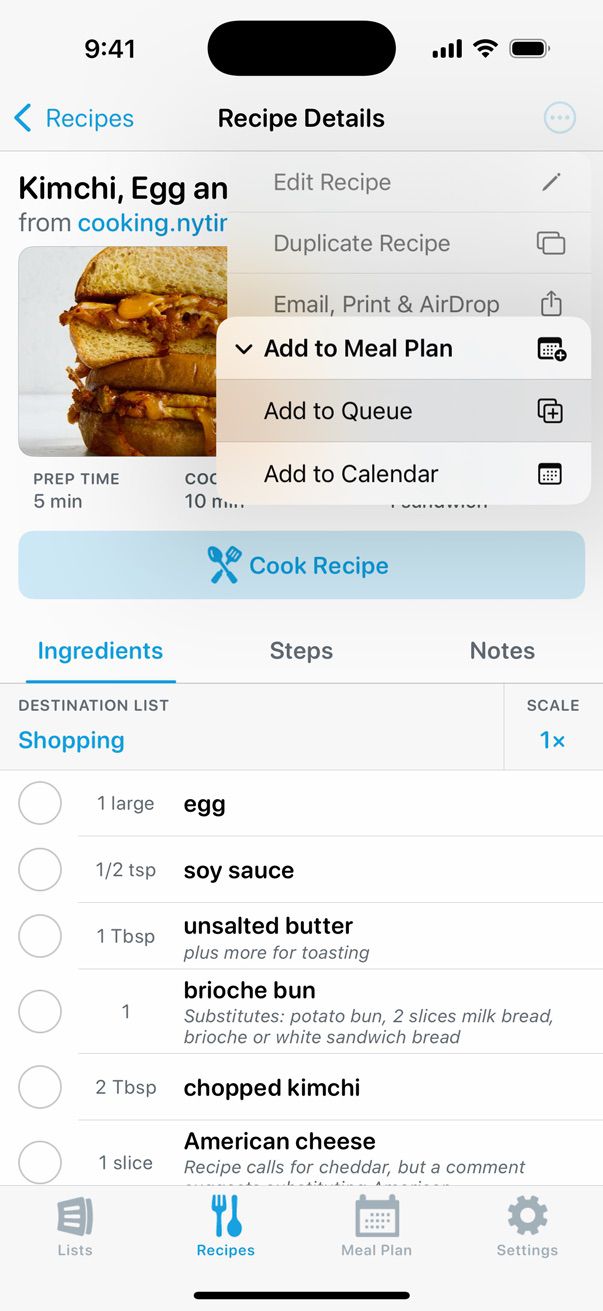
You can also add recipes to your Queue from the Recipes tab. Simply open a recipe, tap the Actions (•••) menu, and select Add to Meal Plan. From there, you can choose to Add to Queue or Add to Calendar.
Did this answer your question? If not, please search all of our articles. If you don’t find an answer, then contact us and we’ll be happy to help.